Da-Lite All-in-One Control Box
by Da-lite
GTIN08700108001542
EAN8700108001542
MPN10800154
Prices updated 19 May 2026
No offers available right now
Price data is refreshed daily — but you can search now on Amazon or eBay.
Amazon
Search Amazon.co.uk for the best price and fastest delivery. Yorkshire.com may earn a commission on purchases made through this link.
eBay
Check availability and price on eBay.co.uk. Yorkshire.com may be paid for purchases made through this link, by eBay Partner Network.
Product Description
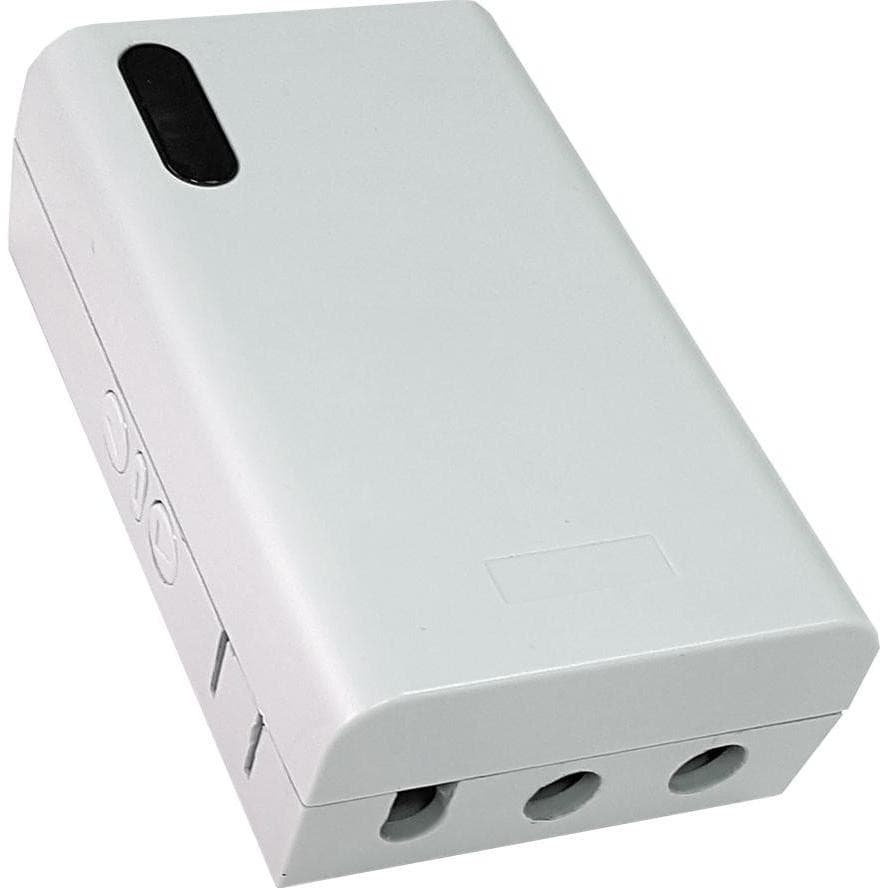
The Projecta All-in-One Control Box offers multiple operation options in a single box.This new accessory can be combined with motorized projection screens without a built-in RF receiver and offers the following options:- Dry-contact (relay)- RF (radiofrequency) control- IR (infrared) control- Manual Switch on the box- 12 volt triggerRelay (dry-contact)Use the relay dry contact points in the control box to connect the screen to be operated with a third party control system. A control system includes the projection screen into the full room AV control.RF (radiofrequency) controlControl the projection screen via a radio frequency remote control. The remote control unit operates on frequency 433.92 MHz. RF has an effective range up to 30 meters. depending on the local environment.IR (infrared)Control the projection screen via an infrared remote control. For infrared control a direct line of sight with the control box is needed. IR can be a solution for environments with restricted RF access. Infrared has an effective range up to 8 meters.Manual SwitchOn the side of the control box you can find three buttons to control the projection screen directly. This additional control method function as a back-up to ensure the screen can still be operated even when connected control options fail.12 volt DC triggerConnect the 12 volt trigger option to any 12 volt output to trigger the projection screen. The 12 volt can be from a projector 12 volt trigger output or from an AV control system.